



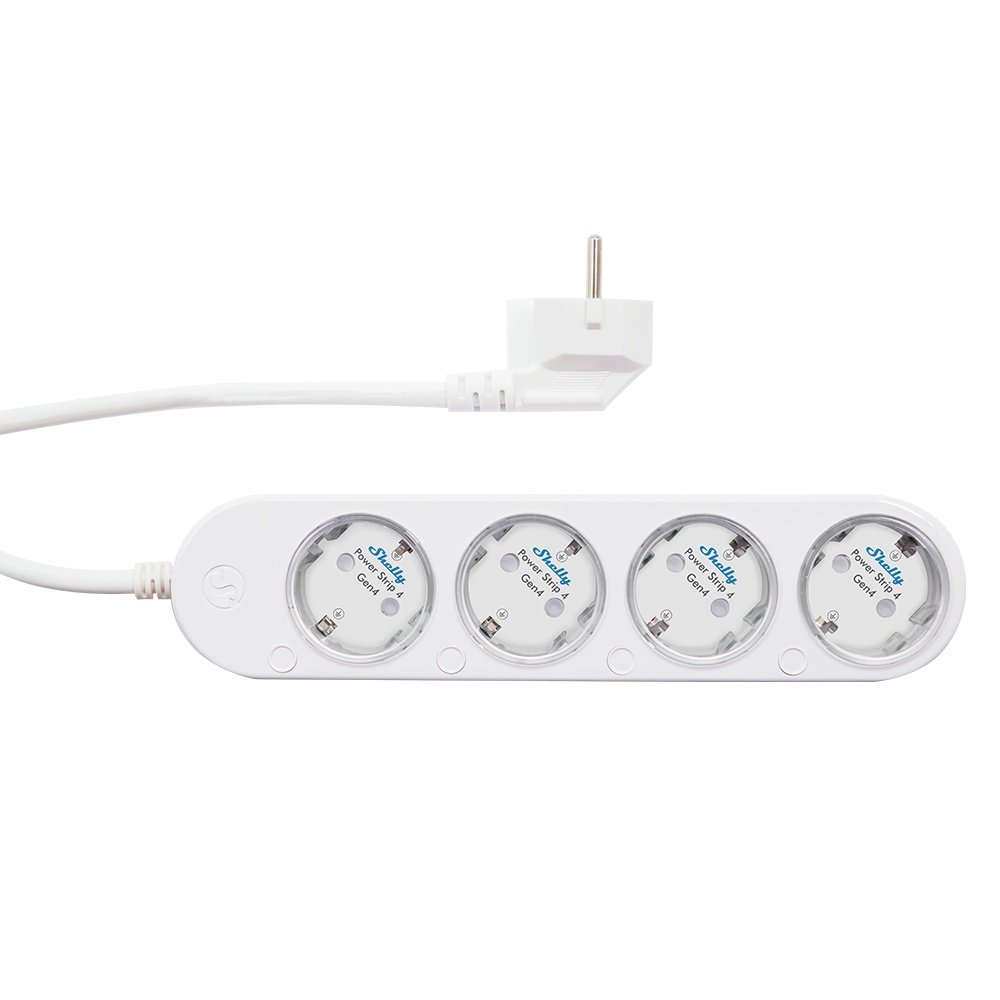
If you're like me, the area under your desk or behind your rack looks like a nest of technological snakes. 🐍 We've got routers, switches, smart home controllers, laptop chargers, and monitors – all fighting for an outlet.
Until now, the solution was a "dumb" power strip hidden behind the furniture. But Shelly just changed the game with the Shelly Power Strip 4. It’s not just an extension cord; it’s a genuine smart PDU (Power Distribution Unit) that brings enterprise-level control straight to your living room. 🚀⚡
🎨 White or Black? Design that doesn't need to be hidden
Shelly understands that aesthetics matter.
-
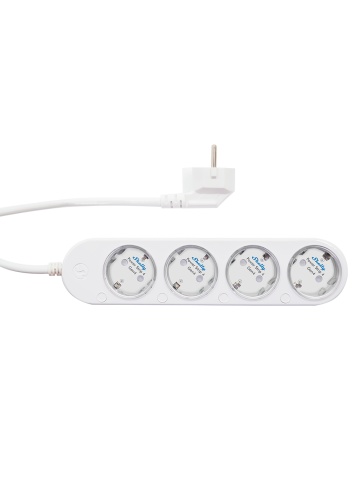
The White version: Perfect for modern, Scandinavian-style offices where you want the tech to visually blend into the decor. ✨
-
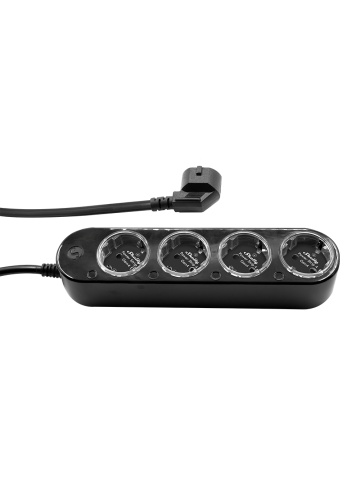
The Black version: "The Stealth Look." It looks incredibly good next to a gaming setup or inside a network rack. This is the preferred finish for those of us who want a clean, industrial look. 🌑🖤
🔧 What makes it truly "Smart"? (Power User Specs)
Don't be fooled by the familiar look. Under the hood lies Shelly's Gen3 technology:
-
4 Individually Controllable Outlets: You can kill the monitor but keep the router running. Each outlet is its own entity in the network. 🔌
-
Power Metering: Want to know exactly how much your NAS server or mining rig is "pulling"? Shelly gives you precise data for each individual socket. 📈
-
Wi-Fi & Bluetooth Connectivity: Added to the app in seconds. Bluetooth also serves as a gateway for other nearby Shelly devices. 📶
-
ESP-Shelly-C38F Processor: More memory, more speed. Supports complex scripts directly on the device (no cloud required!). 🧠
🛠️ The "Network Ninja" Scenario: Office Automation
As a home network admin, here’s how I use the Shelly Power Strip 4:
-
Socket 1 (Router): Programmed to never turn off, but with the option for a remote Hard Reboot if the internet "freezes." 🧊
-
Socket 2 & 3 (Monitors): Automated via motion sensor. Leave the desk for more than 10 minutes? The monitors turn off by themselves. Energy savings and panel protection. 🖥️💡
-
Socket 4 (Laptop Charger): Auto-off when consumption drops below 5W (a sign the battery is full). Protect your battery chemistry and avoid waste. 🔋✅
🚀 Why Shelly and not some cheap knock-off?
-
Local Control (No Cloud Required): If you’re paranoid about security (and you should be!), Shelly can be locked in an IoT VLAN without internet access, communicating locally via MQTT or REST API. 🛡️🌐
-
Scripting (mjS): You can write code directly on the strip. For example: "If consumption on Socket 2 exceeds 500W, turn off Socket 3 to prevent tripping the breaker."
-
Hardware Protection: Overload, overvoltage, and overheating protection. 🛡️🔥
✅ Verdict: Is it worth the investment?
The Shelly Power Strip 4 is probably the most affordable way to get professional-grade power management for your setup. Whether you choose White for style or Black for your network rack, you're getting a device that doesn't just power—it protects and optimizes. It’s the missing piece of your energy monitoring puzzle. 🧩⚡
Have you ever wondered how much your office actually consumes in "Standby" mode? Leave a comment below and let's do an energy efficiency calculation together! 👇📢
#Shelly #PowerStrip4 #SmartHome #EnergyMonitoring #Networking #TechBlogger #Wifishop #HomeAutomation
Reviews